
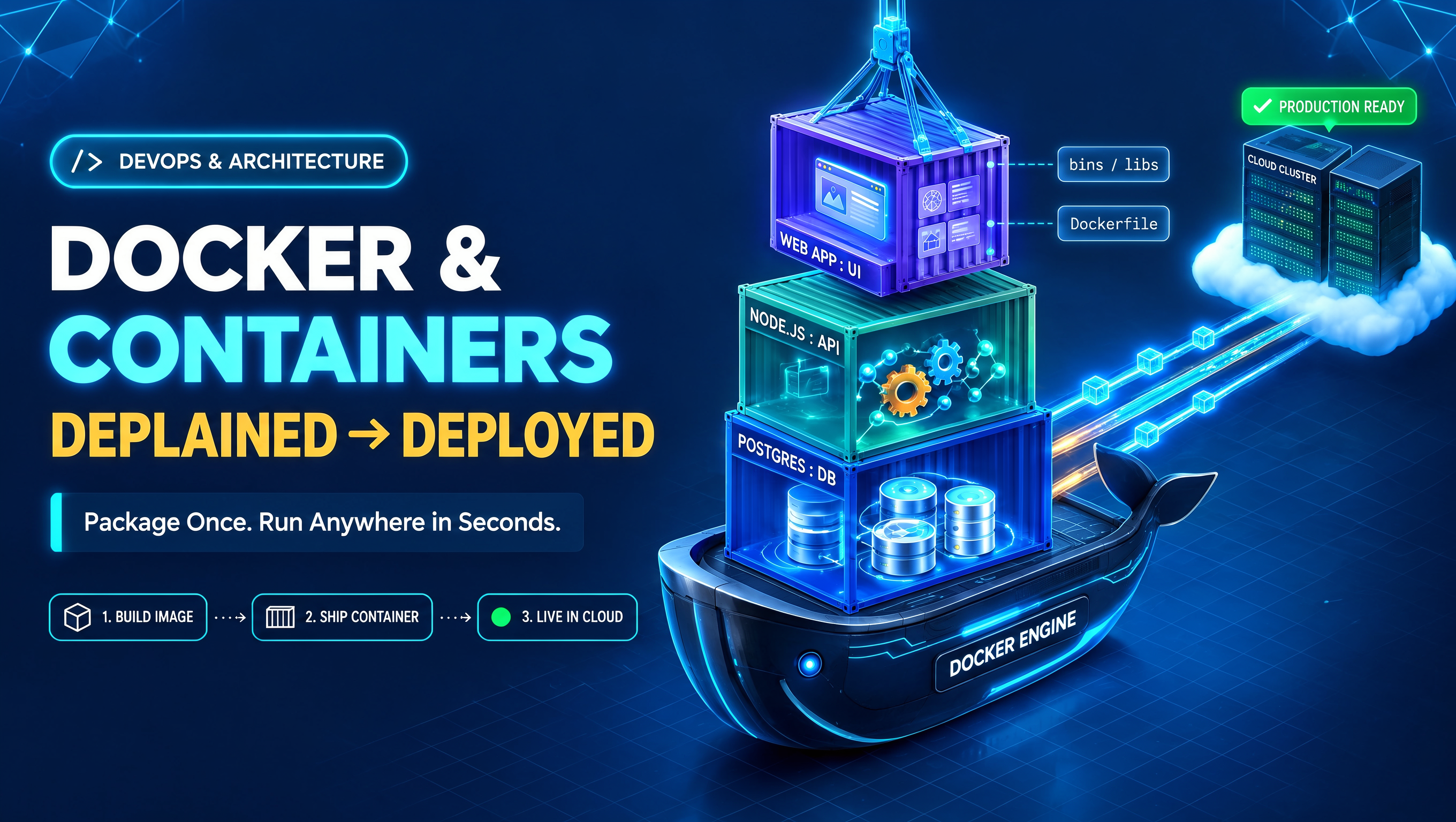
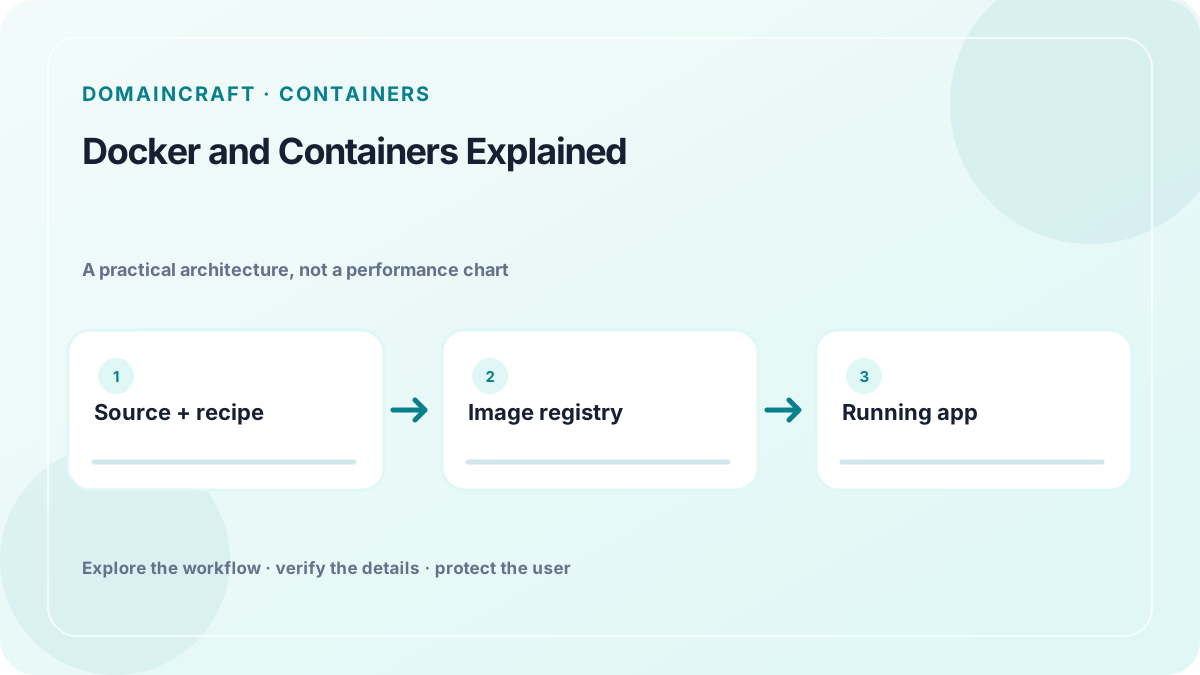
 Original local vector schematic. It is explanatory artwork, not measured performance or market data.
A web application may work on a developer’s laptop and fail on a server because the two environments have different runtimes, libraries, operating-system packages, or configuration. Containers provide a repeatable way to package an application and its runtime dependencies. Docker is a widely used toolchain for building and running containers, while related standards define image formats and runtime behavior. A container is useful, but it is not a complete deployment, backup, or security strategy.
Quick answer: A container image is a versioned package containing application files and the environment needed to run them. A registry stores and distributes images. A container is a running instance of an image. Volumes or external storage hold data that must survive replacement. Configuration and secrets should be supplied at runtime rather than baked into the image.
Image, container, registry, and volume
An image is an immutable template assembled from layers. It includes an application, its dependencies, and instructions for starting the process. A team builds the image from a recipe such as a Dockerfile, tests it, tags it with a version, and publishes it to a registry.
A container is a running process created from an image. It is isolated using operating-system features, but it shares the host kernel. A container can be stopped, replaced, or scaled without changing the image. That separation makes deployment more repeatable: the same image can be tested in a preview environment and later promoted to production, provided its runtime configuration and platform are compatible.
A registry stores images and controls access to them. It may be public or private. Use unique version tags or immutable digests for releases; a mutable label such as latest can point to different content at different times. Restrict who can publish images, scan and review dependencies, and avoid placing credentials in image layers.
A volume or other persistent storage mechanism keeps data outside a container’s temporary writable layer. If a database stores its only copy inside a container that is removed during an update, the data may be lost. Production data should live in a storage system with an explicit backup, durability, and recovery plan.
Containers and virtual machines
A virtual machine includes a guest operating system running on virtualized hardware. A container packages the application environment but normally shares the host operating-system kernel. Containers can start with less overhead than a full guest OS, but they do not provide the same boundary or isolation model as a separate machine in every situation.
| PropertyContainerVirtual machine | ||
| Package | Application and dependencies | Guest operating system and applications |
| Kernel | Usually shared with host | Guest kernel is separate from host kernel |
| Portability | Image can move between compatible container runtimes | VM image moves between compatible hypervisors/clouds |
| Isolation | Process and namespace controls; configuration matters | Hardware virtualization boundary; configuration still matters |
| Persistent data | External volume or service is usually preferred | Virtual disk or external volume requires backup planning |
A container is not automatically secure because it is isolated. The host kernel, container runtime, image contents, network rules, and privileges all matter. Run the application as a non-root user where practical, use a minimal base image, limit capabilities, expose only necessary ports, and keep the runtime patched.
Build once, configure at runtime
A small conceptual Dockerfile might look like this:
This is an illustration, not a universal production recipe. Pin or review base-image versions, use a lockfile, minimize build context, and consider a multi-stage build when the runtime image can be smaller. The example also assumes a Node application and a compatible image; a different stack needs a different base and startup command.
Environment-specific values should be supplied when the container starts. A development database URL should not be baked into the same image that runs in production. For secrets, prefer a managed secret store or the deployment platform’s protected configuration. Environment variables are convenient but may appear in process metadata, crash reports, or logs if handled carelessly; follow the platform’s secret-handling guidance.
Do not place a .env file containing passwords into the build context. Use a .dockerignore file to exclude local secrets, version-control data, temporary files, and unnecessary large assets. Inspect image history and build logs for accidental credentials before publishing.
From local development to production
A typical workflow is:
- Develop and test the application locally, ideally with a development configuration that resembles production where useful.
- Build an image using a reviewed Dockerfile and dependency lockfile.
- Run the image in a test environment and exercise health checks, database connections, and error paths.
- Scan or review dependencies and the base image; record the image version or digest.
- Push the image to an authenticated registry with least-privilege access.
- Deploy that exact image to a preview, then promote it after human review.
- Monitor startup, request errors, resource use, and logs; keep a rollback image available.
- Apply database changes through a controlled migration process rather than relying on container startup side effects.
Separating the build from the deploy means a release can be identified. Rebuilding “the same” image later may produce different layers if dependencies or base tags have changed. Reproducible builds and recorded digests help teams know what was actually deployed.
Logs, health checks, updates, and backups
A container process should send logs to standard output and standard error so the host can collect them. Avoid logging passwords, full tokens, personal records, or private domain lists. Include a request identifier when it helps trace related events, and define how long logs are retained.
A health check should answer a meaningful question. A liveness check asks whether a process needs restarting; a readiness check asks whether it can handle traffic. If every readiness check calls a slow external provider, a temporary provider issue could remove all instances from service. Keep checks bounded and designed for the failure modes they report.
For an update, start a new image, verify readiness, shift traffic according to the platform’s deployment method, and keep a rollback path. Container replacement is normal. It should not silently erase user data because durable state is stored separately. Back up databases and uploaded files according to their recovery objectives, and test that restoration works.
A domain search application example
A domain research tool might run a web frontend and API in separate containers. The API validates queries and calls an authorized lookup provider. A database stores user accounts and saved searches, while object storage keeps exports or user-uploaded files. Logs and metrics go to an observability service. The image contains code and runtime dependencies, not live provider credentials or customer data.
A container can make the API easier to test consistently, but it does not solve provider quotas, registration accuracy, domain privacy, or access control. Protect secrets, rate-limit requests, validate user access on the server, and label results with their source and freshness. If the upstream provider is unavailable, report an unknown result rather than inventing one.
Image layers and build hygiene
Container images are assembled from layers. A poorly ordered build can invalidate a dependency layer whenever one source file changes, making builds slower. Copy the dependency manifest first, install from the lockfile, then copy application source. Keep the build context small with .dockerignore so local caches, test artifacts, and credentials are not sent to a remote builder. If a build needs compiler tools but the running application does not, use a multi-stage build so the final image contains only the runtime files it needs.
Do not assume that a successful build is reproducible. A base image tag can move, and unpinned dependencies may change between builds. Where appropriate, pin versions, record image digests, keep a software bill of materials, and rebuild regularly to receive security updates. Pinning too strictly without an update process can leave vulnerable packages in place; the team needs a scheduled review and patch path.
Data migrations and backwards-compatible releases
Application images and database schemas evolve at different speeds. A new container may start while old containers are still serving traffic during a rolling deployment. Design schema changes so both versions can coexist during the transition: add a field before relying on it, backfill safely, then remove obsolete fields in a later release. Test rollback after a migration; reverting application code does not automatically reverse a destructive data change.
Keep migrations explicit, repeatable where possible, and observable. Do not let every replica run the same non-idempotent migration on startup unless the framework handles coordination safely. Take a verified backup before a high-risk change and define how a failed migration will be paused or repaired. The database’s availability and recovery plan are separate from the container orchestrator’s restart policy.
Network boundaries and non-root processes
A container image should expose only the port the application needs. Network policy should limit which services can reach the database or administrative interface. Do not publish a database port to the public internet for convenience. Run the application with the least privilege required, mount files read-only where feasible, and avoid privileged mode unless the workload has a reviewed need. These steps reduce the effect of a compromised process, though they do not replace patching and application security.
Compose is helpful locally, but production needs a plan
A local compose file can describe a web service, database, and cache so developers can start a consistent test environment. It should use disposable sample data and non-production credentials. Do not assume that a compose setup is a complete production orchestrator: production also needs deployment strategy, secrets, persistent storage, network policy, backups, monitoring, and a clear update process.
Keep development ports bound appropriately and avoid exposing database or admin ports to a public interface. Review default passwords and sample accounts before deploying. Separate a developer’s local .env file from checked-in configuration, and provide a safe example file that contains placeholders rather than working secrets.
Image provenance and software supply chain
Only pull base images from sources the team has reviewed. Verify tags or digests, monitor security advisories, and rebuild after important fixes. A container scanner can find some known vulnerable packages, but a clean scan does not prove the application has no flaws. Review who can publish to the registry, protect release credentials, and restrict production deployment to approved image digests. If an image is rebuilt from the same source, record the resulting digest so the deployed artifact can be identified later.
Network ports and shutdown behavior
A container should expose only the application port required by its service contract. EXPOSE in a Dockerfile is documentation for an intended port; it does not by itself create a firewall rule or make that port safe for public access. The deployment platform controls which ports are published and which services can connect. Keep database and administrative interfaces on private networks and require authenticated service identity.
The application should handle termination signals and shut down gracefully. During an update, a platform may stop a container after a grace period. Close connections, stop accepting new work, and finish or safely cancel in-flight tasks. If requests are interrupted, make retries safe and communicate uncertain outcomes. Test termination under load so a deployment does not drop writes or leave background jobs in an unknown state.
Frequently asked questions
Is a container a lightweight virtual machine? It can feel similar to a developer, but technically it generally shares the host kernel and uses operating-system isolation features rather than running a complete guest OS.
Will data survive when a container is replaced? Only if it is stored in an appropriate persistent volume or external service. Treat a container’s writable layer as disposable unless the platform documents otherwise.
Should I use the `latest` tag in production? Avoid depending on a mutable tag for release identity. Pin an explicit version or image digest and record what was deployed.
Can I put an API key in a Dockerfile? No. It may become part of an image layer or build history. Supply secrets securely at runtime and limit their permissions.
Do containers replace backups? No. Images package application code; backups preserve data and configuration needed to recover the service.
Conclusion
Containers make application environments more consistent and deployments easier to identify, but the operational system still needs secure configuration, persistent storage, health checks, logging, patching, and backups. Build a small image from reviewed dependencies, keep secrets out of the build, and treat containers as replaceable. A deployment is reliable when the data, configuration, monitoring, and recovery plan are as deliberate as the image.